Hold a key, talk, and your words appear.
Properly punctuated text, wherever your cursor is, in any app.
Runs on your computer
Your voice is turned into text on your own computer. It's never uploaded anywhere.
Free, no account
No sign-up and no subscription.
Works offline
You need the internet to download it, for the speech model on first launch, and for updates. Dictation doesn't.
Why talk when you could type?
How much is your time worth? Most people type about 40 words a minute. Most people talk at 150 or more. Every email, every message, every note you type the slow way is time you don't get back.
Why murmrrr, and not the others?
It formats as you go
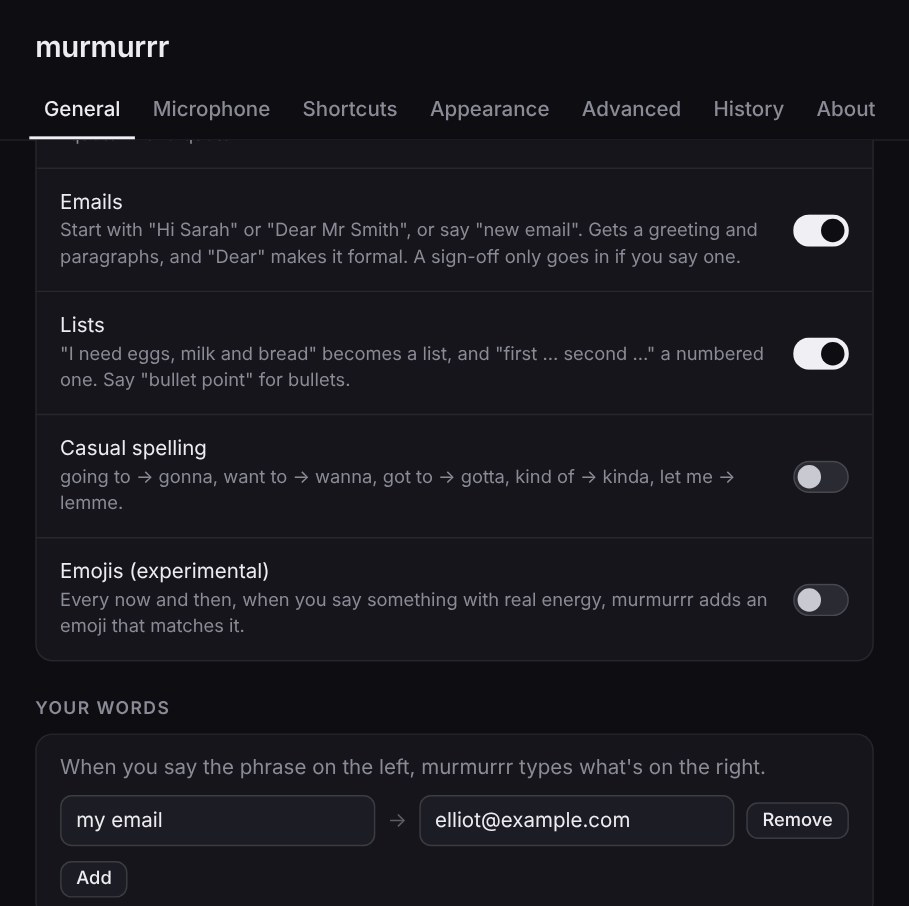
Say a list and you get a list. Start with "Hi Sarah" and you get a laid-out email. Quotes get quote marks, pauses get full stops, the ums disappear. Other dictation gives you one long run-on paragraph to fix by hand.
It stays out of your way
A small bar, one key, nothing to click. It leaves your graphics card alone, so it won't touch your games, and it goes quiet when you're not talking.
It's simpler
No account, no window to keep open, no copy and paste. Hold the key, say it, let go. The words land in Word, Gmail, Slack, your code editor, wherever you were already typing.
Your voice stays yours
Everything happens on your own computer. Nothing you say is uploaded, stored or used to train anything.
It works offline
On a train, on a plane, with the Wi-Fi down. Once it's set up, dictation never needs the internet.
It's free right now
No sign-up and no subscription. Most dictation apps charge every month, forever.
What's your typing costing you?
Be honest. How long do you spend typing each day? Even if talking were only three times faster, here's what you'd get back.
You'd get back about 153 hours a year. That's £3,067 of your time.
"Up to 6× faster" compares speaking at 150 to 220 words a minute with typing at 35 to 40, the average for most people. Your speed depends on you. The calculator uses 3× and 230 working days a year.
Talk normally. It tidies up.
The ums go. "At three, no, four" comes out as four. A pause gets a full stop.
Start with "Hi Sarah" and it lays out an email. "Eggs, milk and bread" becomes a list. "He said, I'll be there" gets its quote marks. Each one can be switched off.
Make it yours
Tint the waves any colour you like. Make the bar bigger or smaller. Change the colour of the app itself, right down to its icon on your taskbar and the highlights in its windows.
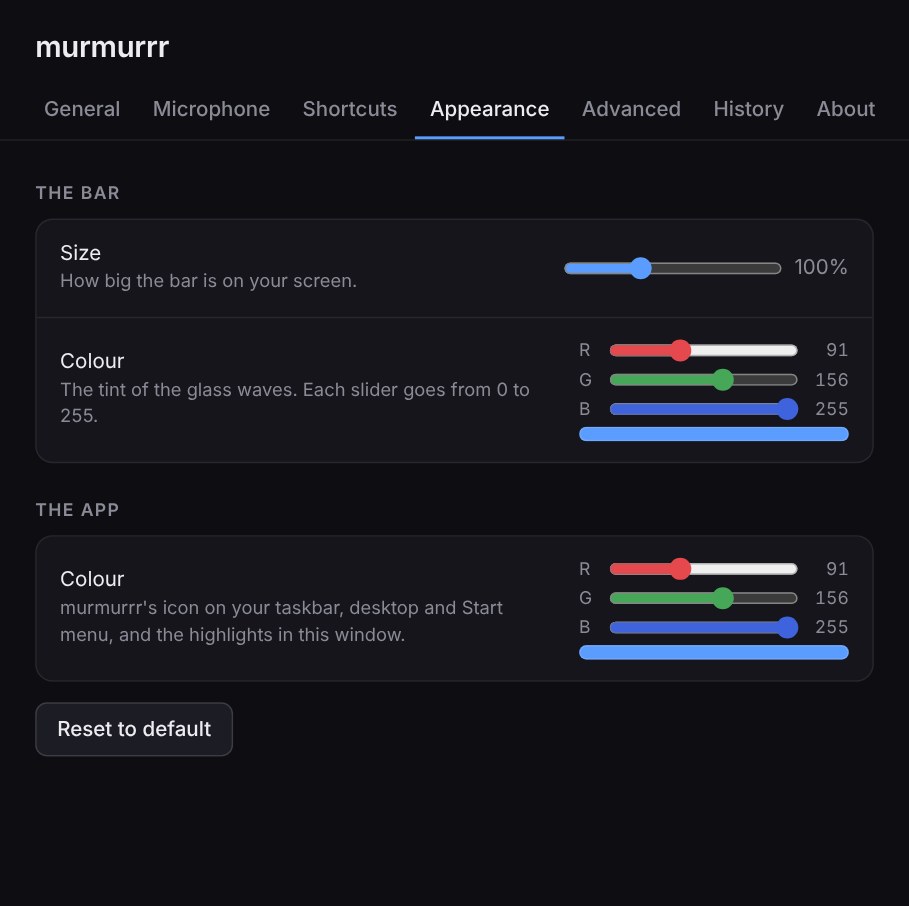
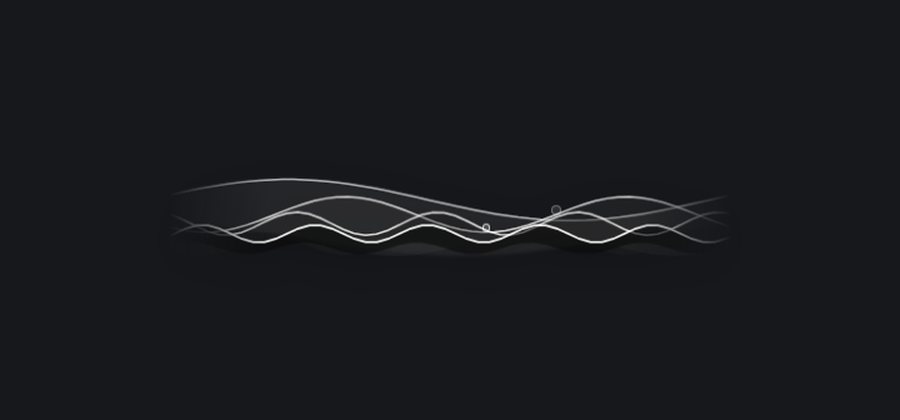

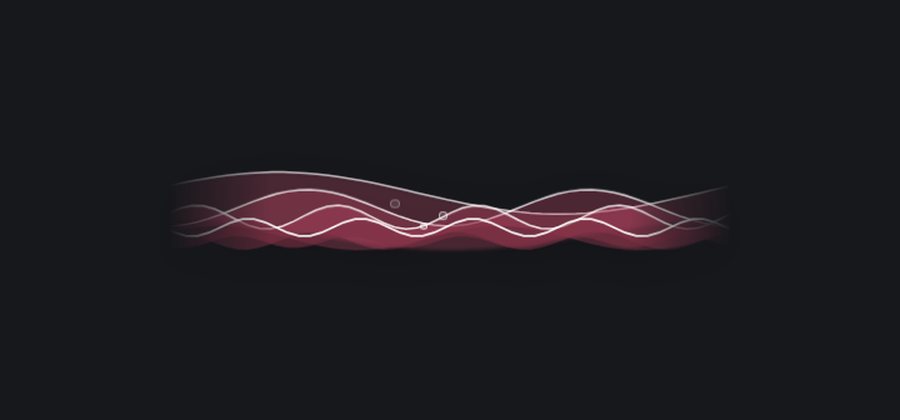
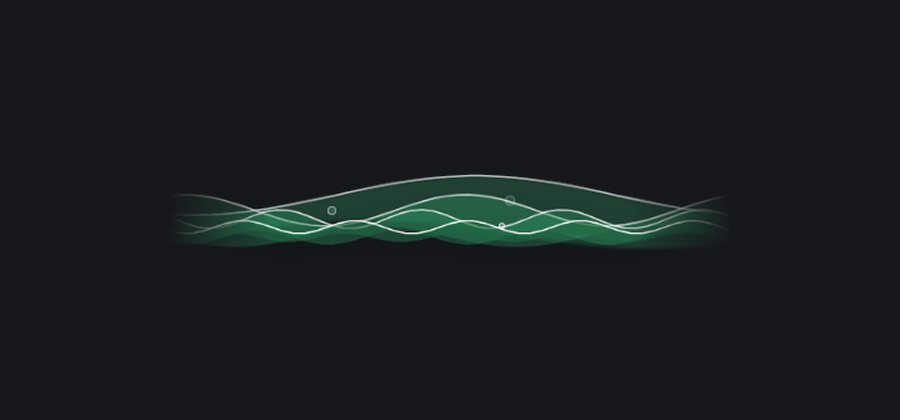
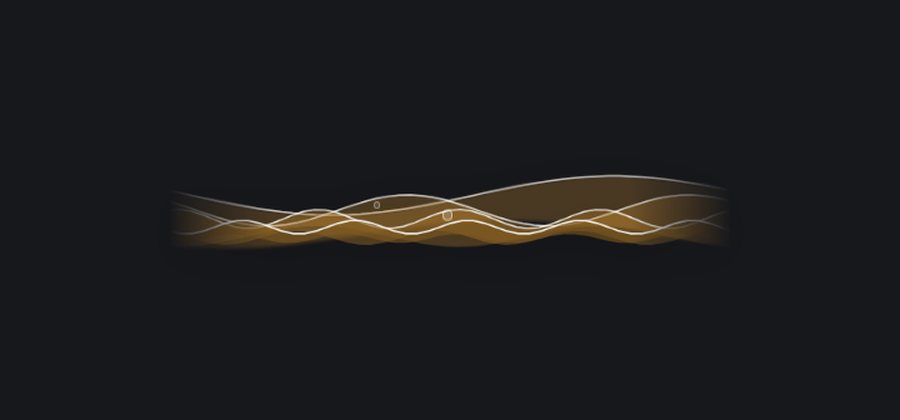
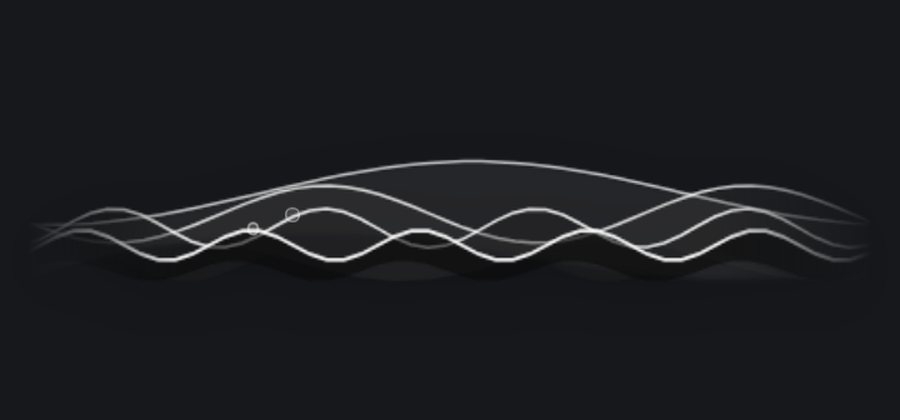
A few of the looks. Any colour works, on sliders from 0 to 255.
Say a phrase, get anything
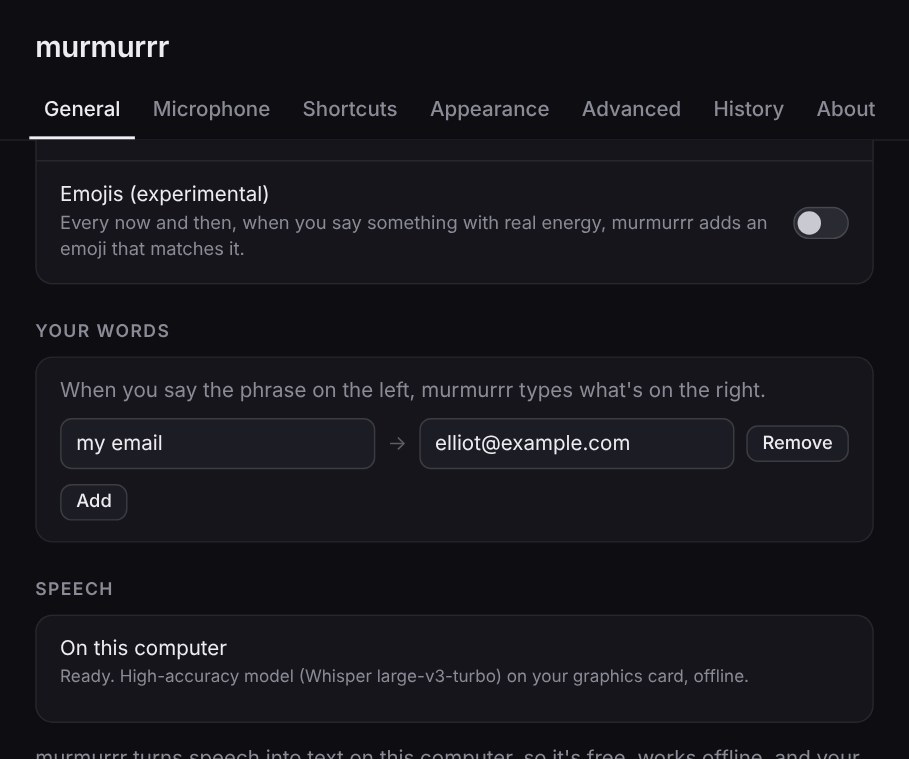
Teach it your email address, your home address, or a name it keeps getting wrong. Say what's on the left, and it types what's on the right.
Put the bar anywhere
Drag it to any of eight spots on any screen. Press F8 to send it to your next one.
Nowhere to type? It offers to copy.
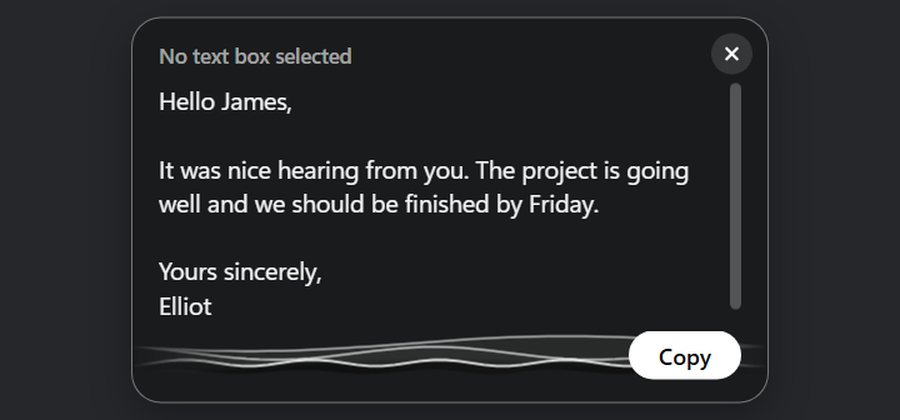
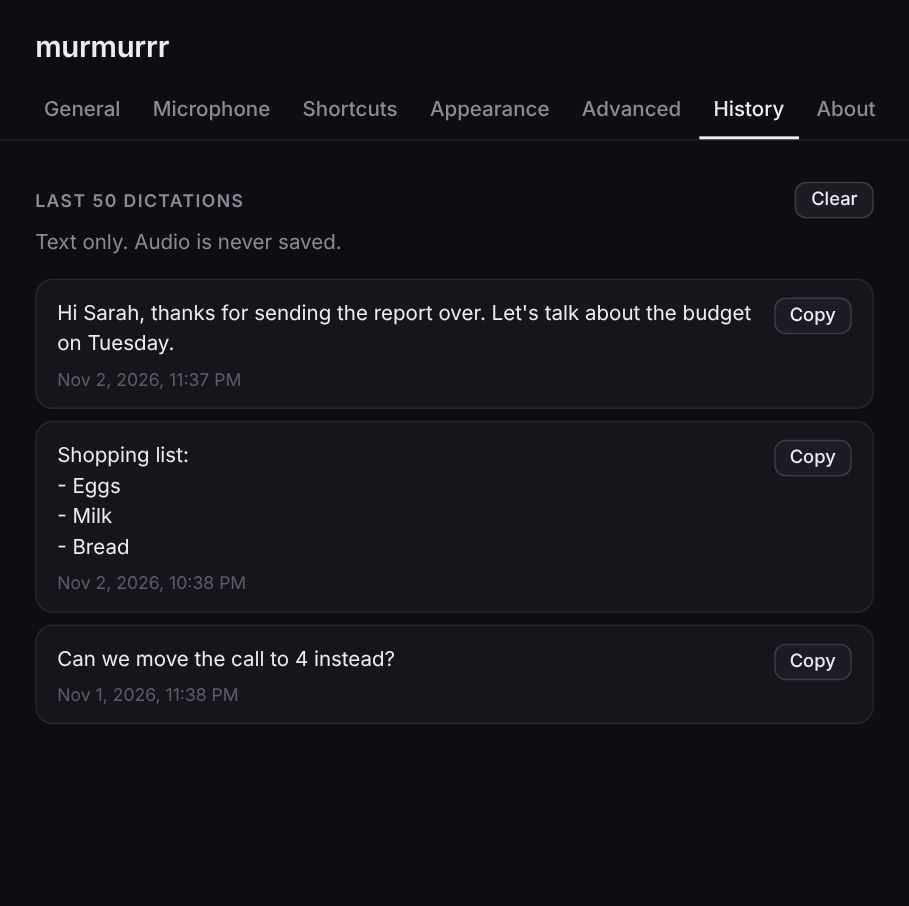
If the cursor isn't in a text box, the bar opens up and offers your words to copy. They stay in History too, in case you need them later.
Your last 50, if you need them
Text only, on your computer. Audio is never saved. Clear it whenever you like.
Try it.
Windows and Mac. English only for now.
Download murmrrr